
Air Quality Monitors
Indoor Air Quality Monitors for home or office
- Product
- Qty in Cart
- Quantity
- Price
- Subtotal
-
On Sale
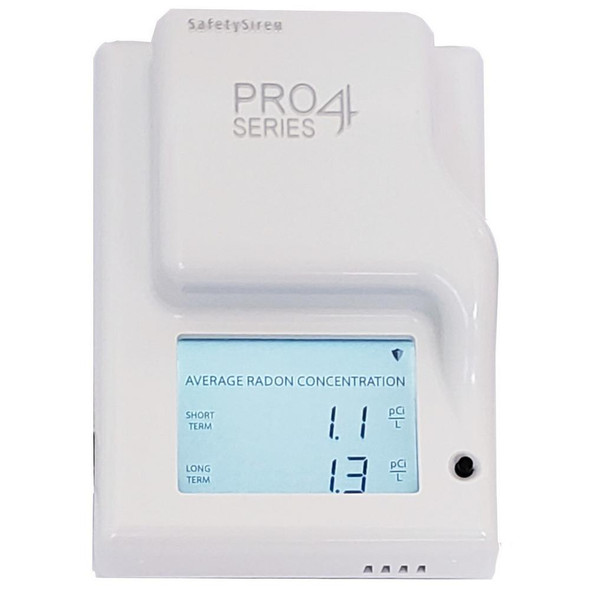
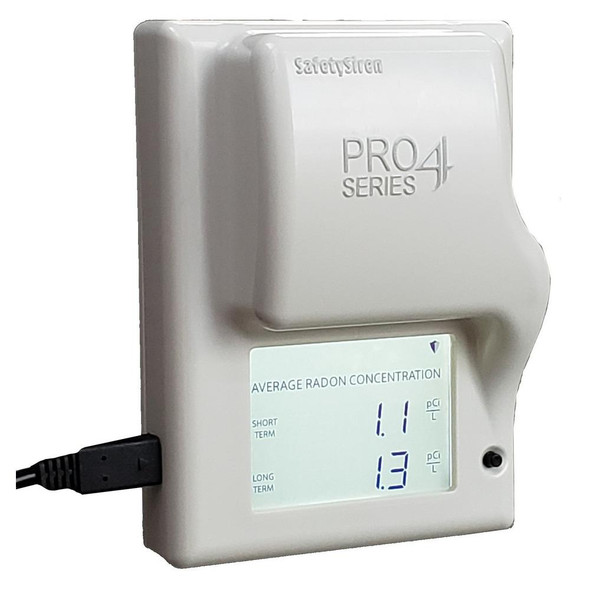
Safety Siren Pro Series 4 Radon Gas Detector
Safety Siren
Now: $174.95Was: $199.95Safety Siren Pro Series 4 Radon Gas Detector The SafetySiren Pro4 Radon Gas Detector is your first step to reducing and controlling the radon in your home. By continuously monitoring for radon, the SafetySiren radon detector gives you real time...Now: $174.95Was: $199.95 -
On Sale


Portable Indoor Air Quality Monitor
A.M.I. Services
Now: $49.99Was: $79.99A.M.I. Services introduces its newest line of portable, rechargeable indoor air quality monitors. These units monitor temperature & humidity, Carbon Dioxide (CO2), Total volitile organic compounds (TVOC) and Formaldehyde (HCHO). Each portable indoor...Now: $49.99Was: $79.99 -


Dylos DC1100 Indoor Air Quality Monitor
Dylos
$199.99Dylos DC1100 air quality monitor/particle counter You and your family may use the Dylos DC1100 True Laser Particle Counter to get the data you need to decide if the air inside your home is clean. The DC1100 is the best option for anyone concerned...$199.99 -

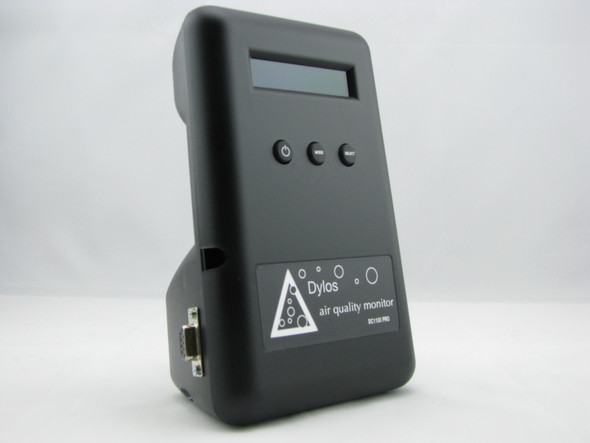
Dylos DC1100 Air Quality Monitor w/ Computer Interface
Dylos
$239.99The Dylos DC1100 -PC Air Quality Monitor with computer Interface is a tool that provides critical information about your indoor air quality. Capable of detecting the number and size of particles in your home from mold, smoke, insect feces, pollen,...$239.99 -


Dylos DC1100-Pro Indoor Air Quality Monitor
Dylos
$260.99The Dylos DC1100 Pro Air Quality Monitor is a diagnostic tool that provides you with the information critical to determining if your indoor air is healthy and safe for your family. Capable of detecting the number and size of particles from mold, smoke,...$260.99 -

Dylos DC1100-Pro-PC Air Quality Monitor
Dylos
$289.99The Dylos DC1100 Pro Air Quality Monitor with PC Interface is a diagnostic tool that provides you and your family with the information critical to determining if your indoor air is healthy and safe. Capable of detecting the number and size of particles...$289.99 -

Dylos DC1100-Pro-Emi Air Quality Monitor
Dylos
$319.99The Dylos DC1100 PRO EMI Air Quality Monitor is a diagnostic tool that provides you with the information critical to determining if your indoor air is healthy and safe for you and your family. Capable of detecting the number and size of particles from...$319.99 -

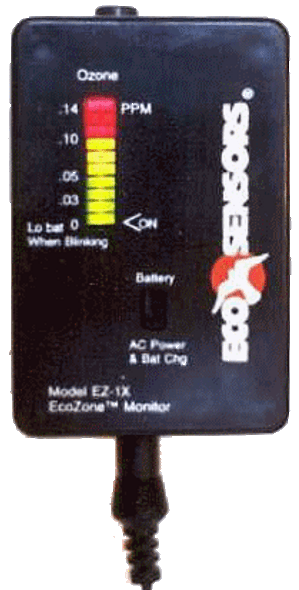
Eco Sensors EZ-1X Ozone Monitor, Portable Rechargeable
Eco Sensors
$391.99Easy to operate and inexpensive, the EZ-1X Ozone monitor is for general monitoring use only and not for precise measurements of ozone. Portable and perfect for on-site use in commercial applications or anywhere ozone exposure may be occurring. The LED...$391.99 -

C-30ZX Ozone monitor
Eco Sensors
$539.95The Eco Sensor C-30ZX Ozone monitor - Simple, Inexpensive Ozone Monitor The C-30ZX has a very quick response time and can be used in water treatment facilities, pulp bleaching mills, ozone generator monitors, photocopier and laser printer centers,...$539.95 -

C-21 VOC Detector
Eco Sensors
$321.75The Eco Sensor C-21 VOC detector is a solid state gas monitor that is able to detect a variety of volatile organic compounds, including, acetone, benzene, formaldehyde and toluene.The C-21 VOC detector can detect most solvent-based VOCs with a range of...$321.75 -


Carbon Monoxide & Air Quality Monitor
Sparrow
$239.99The sparrow carbon monoxide monitor is for CO safety and analysis of your indoor air quality. It is connected to your smart phone through the Sparrow app. The Sparrow and the Sparrow app work in real-time to monitor CO levels in addition to low-level and...$239.99
Protect your family and home with our innovative indoor air quality monitors from A.M.I. Services.
A.M.I. Services offers air quality monitoring at its best. We offer air quality monitors for Ozone, Radon, VOC's, Formaldehyde and much more. The Dylos home air quality monitors are a diagnostic tool that provide information crucial to determining whether your indoor air quality is safe and healthy for you and your family. Check out one of our indoor air quality monitors today!
The Dylos DC1100 Air quality monitor for home provides you with the necessary information for you to assess whether or not your indoor air is clean. It helps you stay proactive in the health of your family and if used in conjunction with the tips provided, you will be able to make sure that you are doing all that you can to keep the air your family breathes clean.
True Laser Particle Counter
Counts individual particles
Sizes small and large particles
Immediate response to changing environment
Up to 30 days of stored history data
All you need to do is simply plug it in and turn it on. The DC1100 will will configure itself to continuously count the airborne particles in your home and test your air. The DC1100 will let you know if the steps you are taking to improve your air quality are really working or not. The DC1100 will let the consumer know if an $800 air purifier works any better than a $200 one in their home. This will save the consumer money by taking the guesswork out of improving air quality. To assist the consumer in these efforts the DC1100 stores up to 30 days of air quality history for review.
The DC1100 Air Quality Monitoring device has been engineered to be simple to use and simple to read. However, below are some frequently asked questions that will make understanding and using our monitor even easier.
What do the two numbers mean?
These numbers represent the number of small(fine) and large(coarse) particles detected. They are a running average of the particles counted in the past 10 seconds. The number on the left is the small particle count and the number on the right is the large particle count. The numbers are approximately what a 12 year old would inhale in a single breath. The small particles can include fine dust, bacteria, mold, smoke, etc. (from approximately 1um and up). The large particles can include coarse dust, pollen, dust mite casings, etc. (from approximately 5um and up).
What does the graph mean?
The dynamic bar graph allows the user see an instant response to changing air quality. The graph is a simple and intuitive way to see large and small particles being counted. When the dynamic bar graph is short and does not extend out to the right, it means that small particles are being counted. When the dynamic bar graph is extended almost to the end, or completely to the end, it means that large particles are being counted. The DC1100 can count much faster than the bar graph can update so the graph really represents a summary of particles counted in the last 1/20th of a second.
Will one Dylos DC1100 Air Monitoring device test all the air in my home at the same time?
No. Our monitor is light-weight and can easily be transferred to any room in your home. Let's say you have your the DC1100 in the kitchen during the day, but later that night you want to monitor the particle counts in the family room where everyone is. You simply unplug the monitor in one room and plug it in another. Our unit is reasonably priced making it affordable to purchase more than one unit.
Will the DC1100 Air Monitoring device work in an office setting?
Yes. DC1100 Air Quality Monitor will work in your office. It has been designed to monitor office settings as well. Simply follow the same instructions for home use.
How do I read the history?
You access the history modes by using the mode and select buttons on the front of the monitor. There are three different histories provided, minute, hour and day. Minute history will give you an averaged particle count for each minute at a time, up to 60 minutes in the past. Hour history will give you an averaged particle count for each hour at a time, up to 24 hours in the past. Day history will give you an averaged particle count for each day at a time, up to 30 days in the past.
How does monitor mode work?
In monitor mode the unit sleeps and only comes on for 60 seconds every hour. A sampling of the air is taken and a count of large and small particles is saved to history. This mode is for people who do not want the unit to run continuously but would like to be able to look back in history to see what the counts have been over time.
Is there any maintenance required for my DC1100 Air Monitoring device?
Only occasional cleaning, but it's so simple. All you do is use dust remover air (you can get this at any electronics store), spray it into the top vents on the back of the unit for about 10 seconds. That's all! This maintenance keeps the air moving freely so that the Air Quality Monitor will work as efficiently and effectively as possible.